Donation Page Options
This theme has 2 donation page layout options:
3-Step Layout
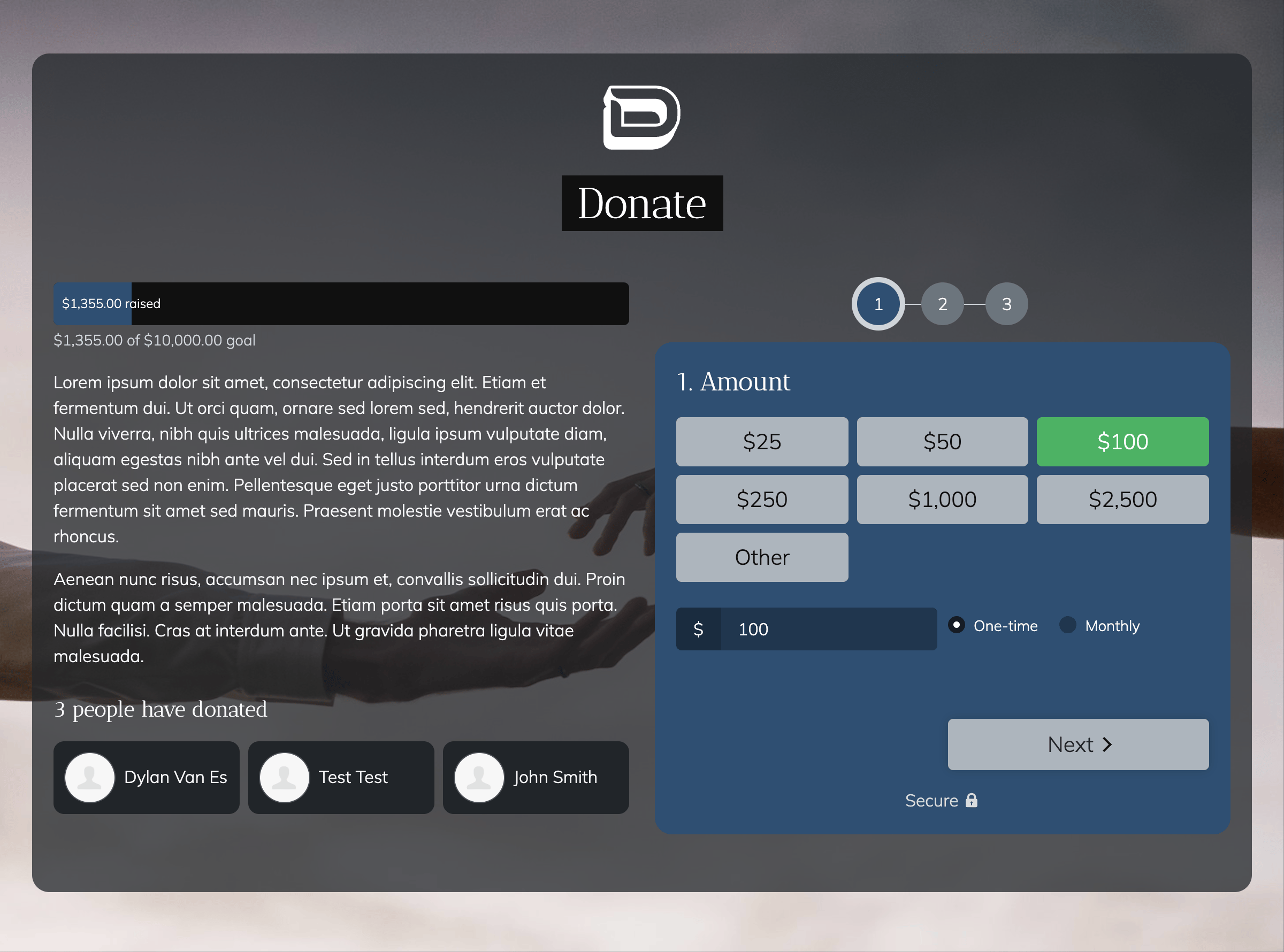
This is the default layout which includes a 3-step form to help reduce potential form fatigue:
Single-Step Layout
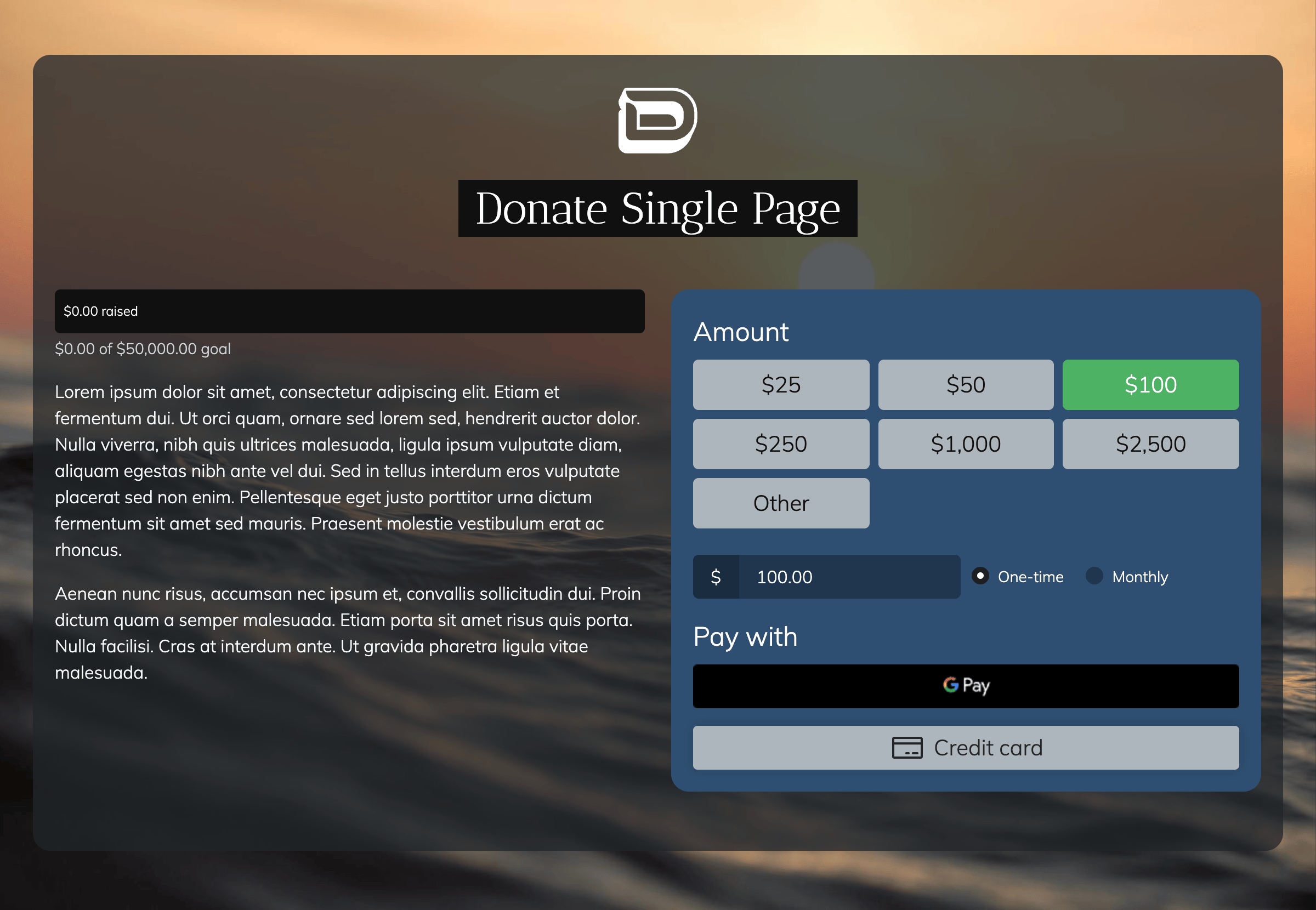
This layout is a single-step form, similar to other donation pages in the standard NationBuilder themes. To activate this layout, you need to add the tag ~setting=donate-single-page to the donation page.
Please note: If you want to use NationBuilder's express payment options, you'll need to use this layout instead of the default one.
Allow Donors to Cover Payment Processing Fees
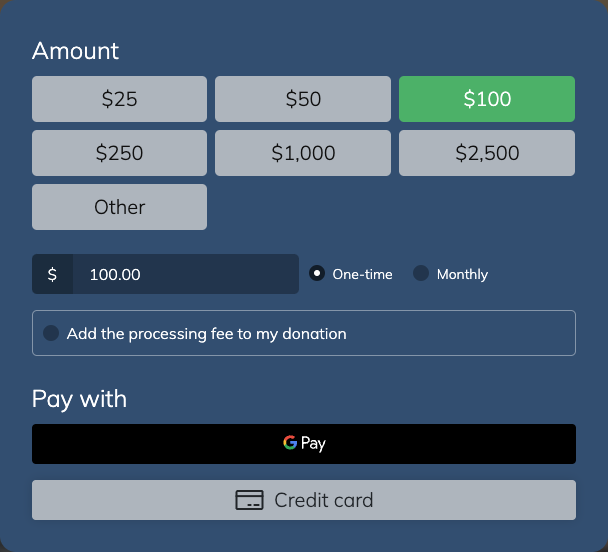
If you'd like to give your donors the option to cover the cost of the processing fee, you can add a checkbox for this just below the amount field. To activate this, add the tag ~setting=donate-cover-fee to the donation page.
Donor Country Prefill
To save donors a step, the 3-step donation form fills in their country automatically, based on their location. (The single-step layout doesn't do this.) Their location is looked up from their IP address using ipinfo.io, so the donor's IP address is sent to ipinfo when the donation page loads. We recommend mentioning this in your site's privacy policy.
If the lookup can't find a country (for example, if the donor's browser blocks it), the donor simply chooses their country themselves.
Turning Country Prefill Off
This requires a custom theme (see Customising Your Theme). In your theme files, open __theme_settings.html and look for;
{% assign prefill_country_from_ip = true %}
Change true to false. Donors will then always choose their country themselves, and no request is sent to ipinfo.